0 Chars
 Name Design
Name Design
Name Design
WhatsApp is where we talk to family, friends, classmates and coworkers, and a small touch of style can make messages feel more personal. Type your text above and compare bold, italic, script, small caps and monospace styles, then copy the one you like.
The generator is free, instant and made of plain text, so styled words can be pasted into most WhatsApp fields.
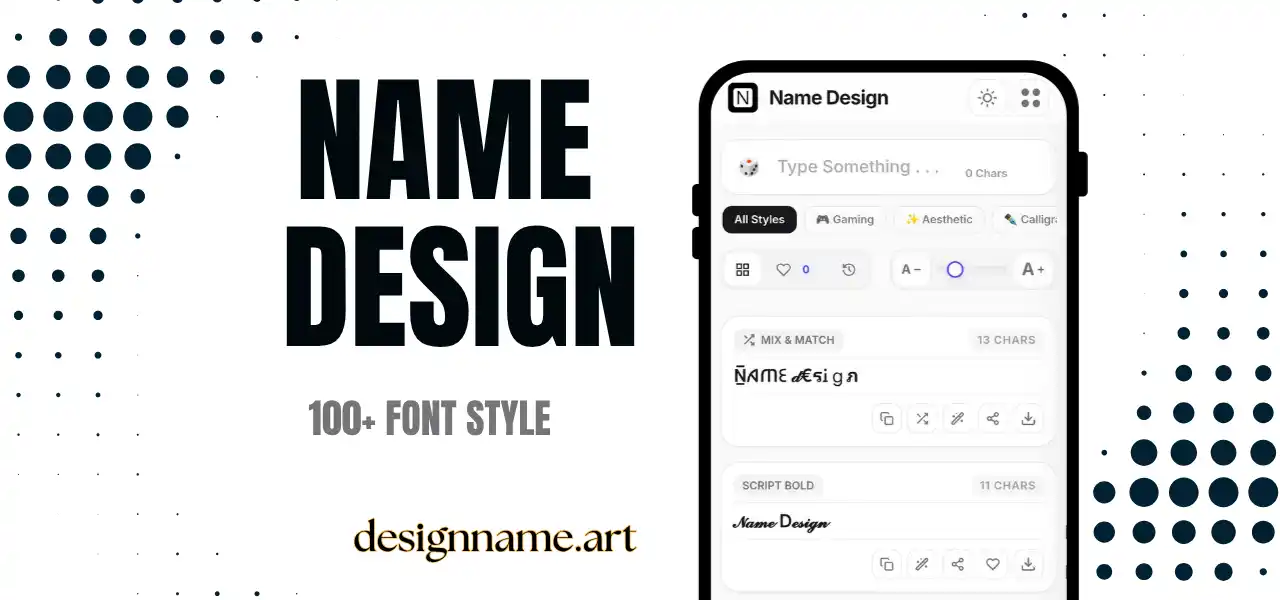
A WhatsApp font generator converts ordinary letters into styled characters that you can paste into the app. WhatsApp already offers a few formatting tricks of its own, but they are limited to a handful of effects. A generator widens the choice with dozens of looks, including script, gothic, small caps and decorated names.
The styles are not fonts that change your app's typeface. They are Unicode characters, so they stay the same after you paste them, and they can be sent to anyone who has a device that supports those characters.
This page is part of our name design collection, so each style updates live with your own text.
WhatsApp lets you format text with simple symbols. A word wrapped in asterisks becomes bold, in underscores becomes italic, in tildes becomes strikethrough, and in three backticks becomes monospace. These work inside messages, and they are convenient because they are built into the app.
However, built-in formatting works only in messages and some other fields, and it only gives you a few looks. Generated Unicode text can be used in places such as your profile name or About line, and it offers a much wider range of styles. You can also combine the two, for example by using built-in bold for a key word and a generated script for a greeting.
Your name and About line are the first things people see. A light touch of style, such as small caps or a symbol at the edge, looks neat. Keep your real name easy to recognize, because friends need to know who you are in a contact list.
Short status text looks better with a bold or script headline. It helps a status stand out among many others in the feed.
Group admins can style the group name or description to give a community its own character. Keep important rules in plain text so every member can read them.
Birthday wishes, festival greetings and celebration messages feel warmer in a decorative style. For long messages, use styling only on the greeting and keep the rest plain.
Begin with your audience. For family and close friends, playful scripts and decorations are welcome. For classmates, teachers or colleagues, a quieter style such as bold or small caps is more suitable.
Then check readability. Chat messages are often read quickly on small screens, so thin or highly decorated letters can be a poor choice for key information.
Finally, think about length. Use styled text for names and short phrases. Long paragraphs in decorative letters tire the reader and may be difficult to copy or search.
WhatsApp searches for names and messages using standard letters. A contact name written only in decorative characters may not appear when someone searches for the plain name. If you decorate your profile name, keep the plain version of your name nearby, such as in your About line.
Also remember that your contacts see the name you have saved for them, which may differ from your profile name. Decorating your profile name does not change how others have saved you.
This tool only creates text. Be careful with messages that promise special fonts, colors or features if you install a file or share a code. Unofficial apps that claim to change WhatsApp's design can be unsafe and may risk your account. Copy and paste is all that is required here, and you never need to share verification codes or passwords.
Most phones show these characters correctly, but a few older devices may show empty boxes. If a friend sees boxes, choose a more common style such as bold or italic.
Screen readers may read each styled character with a long description, making messages tiring to follow. Use styled text sparingly, and keep important details in plain letters.
Type your text at the top, browse the style cards and tap copy on the one you like. Open WhatsApp and paste it into your name, About line, status or message. Save favorites with the heart, and use the download button to export a style as an image for a status background.
Quick answers about the whatsapp font generator.
Yes. You can paste styled Unicode text from this generator into messages, your name, About line and status. WhatsApp also has built-in bold, italic, strikethrough and monospace formatting.
Yes. Every style is free to preview, copy and share with no account.
WhatsApp formatting uses symbols such as asterisks and underscores for a few effects. This tool offers many more styles that you can use in more fields.
Most phones display them correctly, but older devices may show empty boxes for rare characters.
Yes. The tool only gives you text. Avoid unofficial apps that promise font changes and never share verification codes.
It can, because search generally uses plain text. Keep a plain version of your name in your About line.