0 Chars
 Name Design
Name Design
Name Design
A cool name makes people look twice. Type yours above and explore bold, gothic, neon and symbol styles with attitude, then copy your favorite with a single tap.
This generator is free, needs no download, and produces plain text that works in most chats, bios and games.
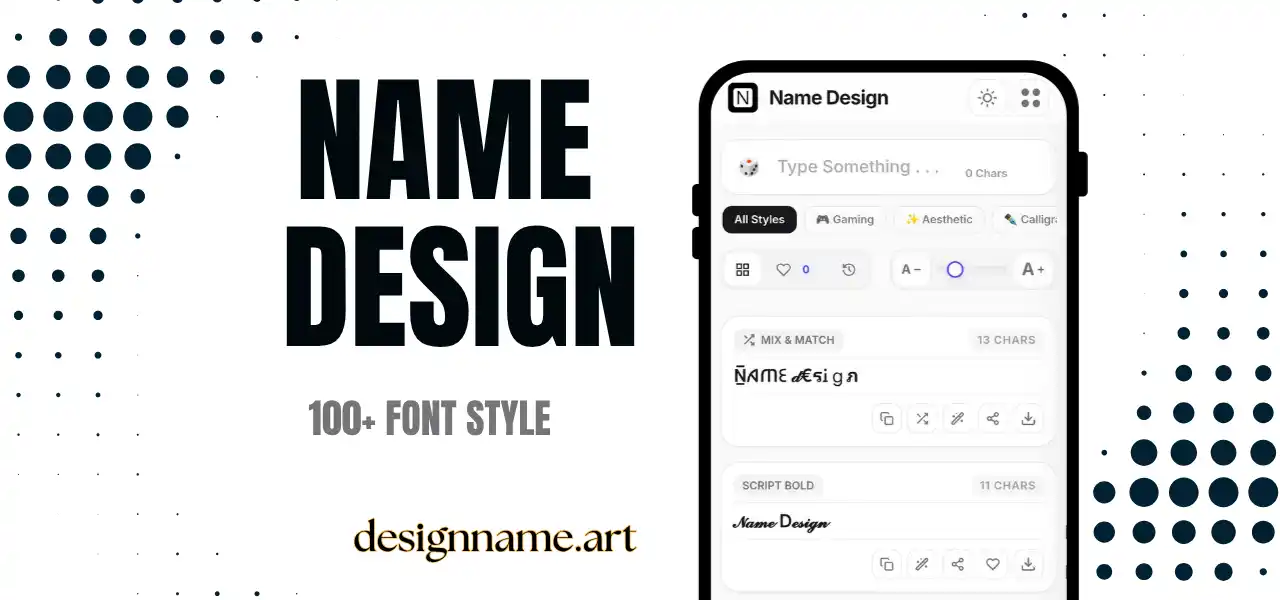
A cool font generator rewrites your text with sharper, bolder and more stylish characters than a normal keyboard can type. The goal is simple: to give a nickname, caption or bio a confident look that stands out.
"Cool" is subjective, which is why this page offers many directions. Some people want dark and aggressive, others want clean and futuristic, and some prefer playful and bright. By previewing everything at once, you can match the style to your personality rather than guess.
This page is part of our name design library, so every style updates live with your own text.
Each style is plain text made from Unicode, the global standard that gives every character a code that all modern devices understand. Unicode contains fraktur and gothic letters, bold alphabets, double-struck capitals, enclosed letters and hundreds of symbols.
The generator replaces each letter with a counterpart from one of these sets and optionally wraps the text with decorations. Because it is text, you can copy and paste it without special software.
Usernames in shooters, battle royale games and online lobbies are the classic home for cool text. A stylish tag helps you stand out, though many games limit symbols, so test a short version first.
A cool style on your display name makes your account memorable. Pair it with a plain username so friends and followers can still search for you.
Discord, WhatsApp and Telegram handle Unicode well. Cool fonts look great in nicknames, channel titles and status messages.
Channel names, video titles and overlay mockups look more energetic with a distinctive style. Export a favorite as an image and use it as inspiration for thumbnails.
Start with your personality. If you are competitive, pick sharp and heavy styles. If you like calm confidence, choose small caps or double-struck letters. If you enjoy humor, a playful symbol set can make your name feel friendly.
Next, think about context. A style that looks excellent in a game lobby may feel too aggressive in a professional chat. Keep a secondary, cleaner style for school, work and family groups.
Finally, test readability. A truly cool name is one that people can read at a glance. If you struggle to read it quickly, simplify.
Compared with aesthetic text, which is soft and dreamy, cool text is sharper and more confident. Compared with plain bold text, cool styles add personality through shape and symbols. Compared with glitch text, which is intentionally distorted, cool text remains clean and readable.
If you want something even more intense, try the gaming and glitch categories. If you want something calmer, try the small caps and bold collections.
Certain characters may show as empty boxes on older devices or in apps that lack a font for them. If this happens, switch to a more common style such as bold, double-struck or small caps.
Also remember that styled text may not be searchable. Put your plain name in your bio or description so people can still find you, and keep a normal version for forms, logins and recovery requests.
Quick answers about the cool font generator.
It is a tool that converts your text into bold, gothic, neon and symbol styles using Unicode characters, so you can copy and paste cool-looking names.
Yes. Every style is free to preview, copy and share without an account.
Often yes, but each game has its own character rules. Try a short version first and keep a plain backup.
Your device or app may not have a font for that character. Choose a more common style such as bold or small caps.
Yes. They work in display names, bios, captions and nicknames, though usernames usually require standard characters.
Choose a short base name, use a single style, add one or two symbols and make sure it is easy to read at a glance.