0 Chars
 Name Design
Name Design
Name Design
Calligraphy has always been about making letters beautiful. Type your name above and see it rewritten in flowing scripts, formal handwriting and old-style lettering that you can copy in one tap.
No design skills, pens or font downloads are needed. Every result is plain text that works in bios, captions, messages and invitations.
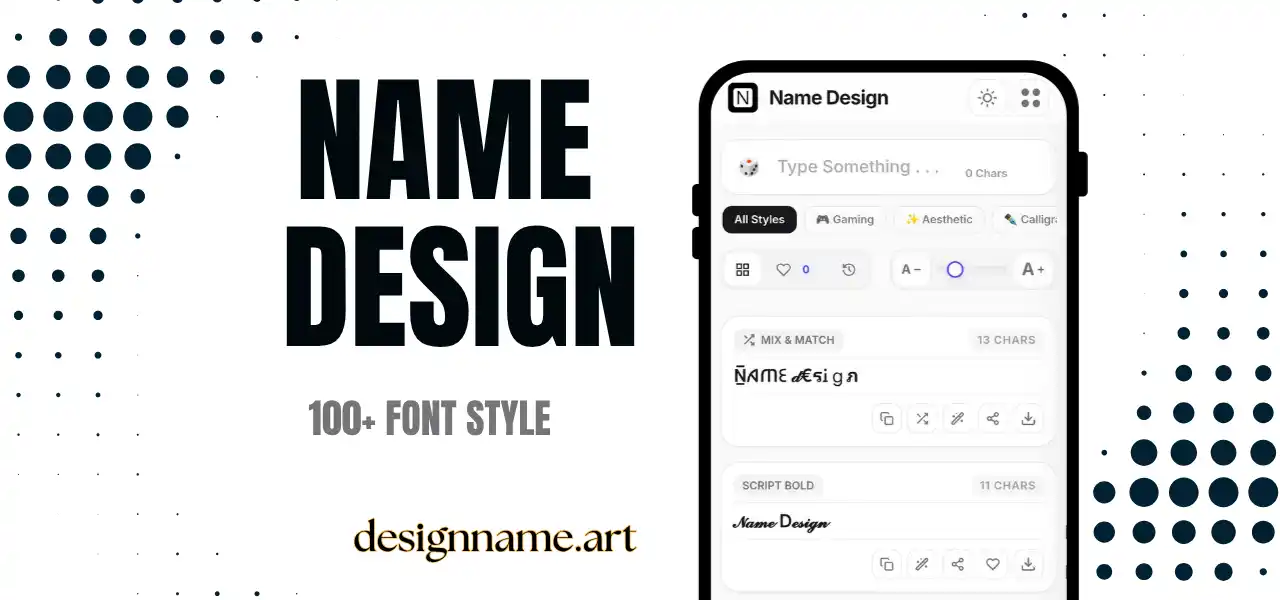
A calligraphy font generator converts normal letters into decorative characters that look like they were written with a pen or brush. Instead of the straight, even strokes of a keyboard, you get thick-and-thin lines, curled tails and graceful loops.
Traditional calligraphy is the art of skilled handwriting, from copperplate scripts to blackletter and brush lettering. This tool does not replace that craft, but it lets anyone borrow the visual feeling for a name, a title or a short message.
It belongs to our name design collection, so each style appears live with your own text before you copy it.
The characters are not a font file. They come from Unicode, the universal standard that lets every device show the same symbols. Unicode includes mathematical script and bold script alphabets, fraktur and blackletter letters, and many other ornate sets.
The generator maps each letter you type to its counterpart in those sets and returns the result as ordinary text. That is why you can paste it into chats, social profiles and documents without installing anything.
Names on digital invitations, save-the-dates and thank-you messages look more elegant in script. Use it for names and titles, and keep the practical details, such as the address and time, in plain text.
A single line of calligraphy at the top of a bio makes a profile look polished. Fraktur suits edgy or fashion-focused accounts, while soft scripts suit lifestyle, beauty and art pages.
Before a designer builds the final logo, calligraphy text is a fast way to test the tone of a brand name. Is it formal, playful or luxurious? Preview a few styles and decide.
Role-playing characters and guild names often fit blackletter perfectly, because it recalls medieval manuscripts and fantasy novels.
Start with the mood. Script styles feel graceful and personal, fraktur feels historic or rebellious, and double-struck letters feel official and clean.
Then check readability. Calligraphy has more detail than plain text, and the most decorative sets can be hard to read at small sizes. If the name appears in a thumbnail-size avatar or a tiny header, choose a bolder script.
Finally, match the length. Short names look lovely in decorative script, while long sentences often become tiring to read. Use calligraphy for names, titles and short phrases.
Cursive styles are usually friendlier and closer to everyday handwriting, while calligraphy styles feel more formal and crafted. Fancy text is a broader category that includes shapes, symbols and mixed styles, whereas calligraphy focuses on pen-like letterforms.
If you want something more relaxed, explore our cursive collection. If you want something more decorative, try the fancy styles. You can compare all three quickly by typing your name once and switching categories.
Some older phones may show empty boxes if they do not have a font for rarer characters. Switching to a more common script or bold style usually fixes the problem.
Screen readers may not read decorative letters correctly. For that reason, never use calligraphy text as the only way to display important information such as a phone number, an address or a business name. Treat it as decoration.
Type your name at the top of the page, browse the script and blackletter cards, and tap copy on the one you like. Press the heart to save favorites, or use the download button to export a style as an image for invitations, banners and profile graphics.
Quick answers about the calligraphy font generator.
It is a tool that converts normal text into decorative script, blackletter and pen-style Unicode characters that you can copy and paste.
Yes. You can preview, copy and share every style for free, with no sign-up.
Yes, for names and titles in digital messages. Keep important details such as dates and addresses in plain text.
Most modern devices support them, but older phones may show empty boxes for rare characters. Test before you share.
Cursive looks like everyday handwriting. Calligraphy looks more formal and crafted, with thicker and thinner strokes.
Yes. Use the download button on any style card to export it as a PNG with a white, transparent or colored background.