0 Chars
 Name Design
Name Design
Name Design
Emoji turn plain words into expressive messages. Type your name above and see it wrapped, separated and decorated with emoji and friendly symbols, ready to copy in one tap.
The generator is free and instant, and it creates plain text that you can paste into most chats, bios and posts.
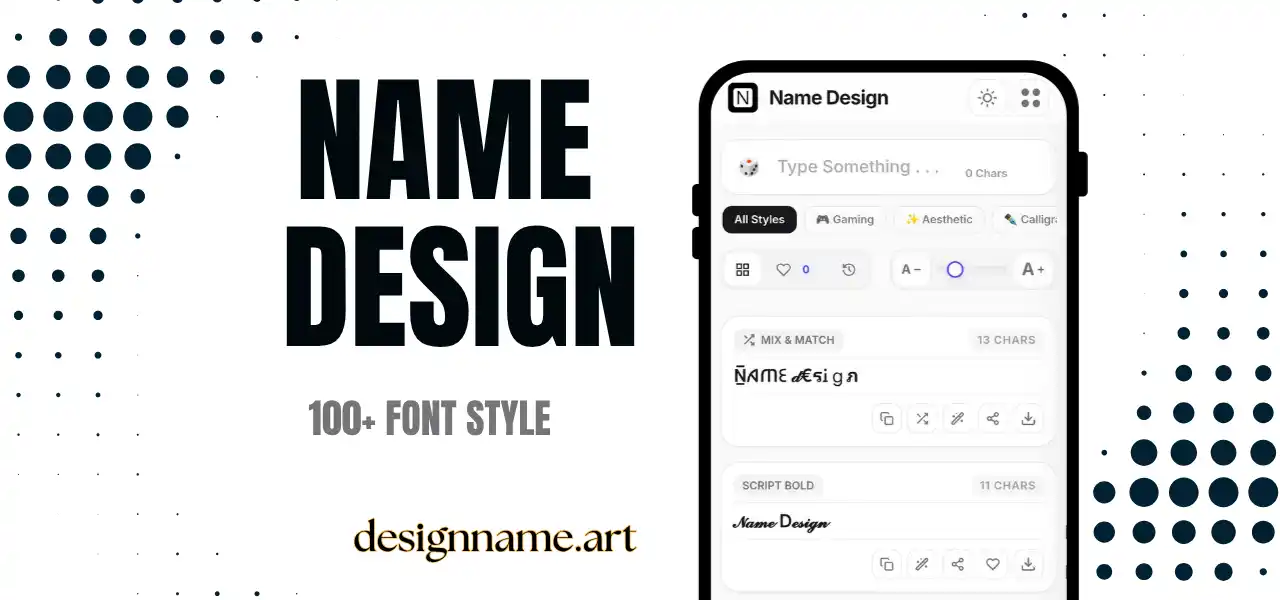
An emoji text generator mixes your words with emoji and small symbols, so a simple name becomes a lively little design. Instead of adding each emoji by hand, you see many decorated versions at once and copy the one that suits the moment.
Emoji are pictures encoded as text. They are part of the same Unicode system as letters, which means a name with a star, flower or flame is still just a line of characters. That is why decorated names can be pasted into profile fields, comments and messages where images are not allowed.
This page is part of our name design collection, so everything updates live with your own text.
The tool builds results from Unicode characters. It combines your letters with emoji, separators and symbol joiners, either at the edges of the name, between letters or between words. Some styles also mix styled letters with emoji for a richer look.
Because the result is ordinary text, no app or keyboard is needed. If the platform you paste into supports emoji, it will show them in its own design.
Instagram, TikTok and X bios are a natural home for emoji names. A brief line of text with one or two emoji communicates mood quickly and breaks up long bios.
Chat apps let you set a nickname or a group name. Emoji help friends recognize a group at a glance, whether it is a family chat, a study group or a game squad.
A decorated word at the start of a caption works like a mini headline. Emoji are also useful for dividing lists in plain text.
Birthday invitations, class notices and team updates look friendlier when a few emoji mark the key lines.
Match the emoji to the message. Stars and sparkles suggest brightness, hearts suggest warmth, flames suggest energy and leaves suggest calm. If your name or niche has a clear symbol, such as a camera for photography or a paintbrush for art, use that instead of a random decoration.
Limit the number you use. One to three emoji is usually plenty. A name with ten emoji is difficult to read and can look careless.
Think about color. Emoji bring their own colors, so a name with a red heart and a blue star combines two strong tones. Pick emoji whose colors work together.
The same emoji code can look different on iPhone, Android, Windows and web apps, because every platform draws its own artwork. A cheerful face on one system might look slightly cooler on another.
Newer emoji may also fail on older phones. They can appear as an empty box or a question mark. If your audience is broad, choose older, well-established emoji such as stars, hearts, flowers and flames.
Screen readers announce every emoji with a description, so a name with many emoji can be tiring for people using assistive technology. Use fewer emoji in professional profiles, and put key information in plain words.
Emoji can also hide a name from search. Platforms generally match plain text, so keep your username and main keyword unadorned, and use emoji for the display name or bio only.
Type your text at the top, scroll the list for emoji styles, then tap copy. Press the heart to save the designs you like and use the download button to export a favorite as an image for stories or profile graphics.
Quick answers about the emoji text generator.
It is a tool that adds emoji and symbols around or between the letters of your text, so you can copy decorated names and captions.
Yes. Every style is free to preview, copy and share with no sign-up.
No. Each platform draws its own emoji artwork, so the same emoji can look slightly different.
Newer emoji may not be supported on older devices. Use older, common emoji to be safe.
Usually not. Most platforms restrict usernames to simple characters, but display names and bios often allow emoji.
One to three is usually enough. More than that tends to reduce readability.