0 Chars
 Name Design
Name Design
Name Design
Your Instagram profile gives people only a few seconds to decide whether to follow. Type your text above and explore bold, script, small caps and aesthetic styles for your bio, name and captions, then copy your favorite with a tap.
Everything here is free and made of plain text, so it pastes directly into Instagram without any extra app.
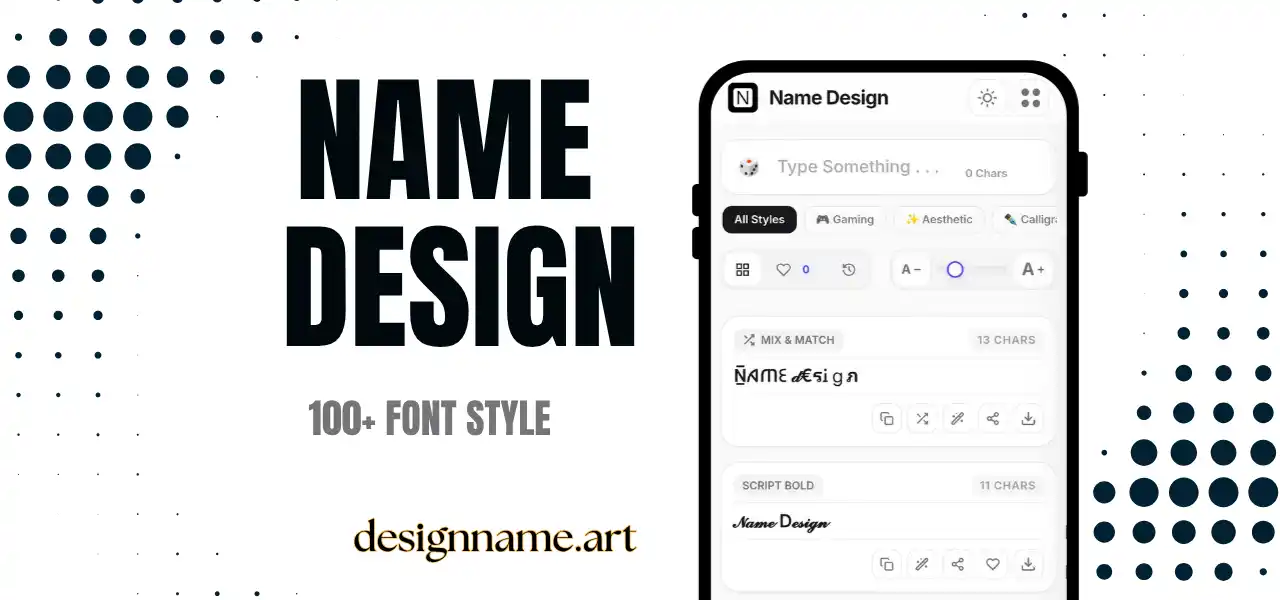
An Instagram font generator converts normal text into stylish characters that you can paste into Instagram. The app only offers a few built-in fonts for stories and reels, and none at all for bios, names or regular captions. A generator fills that gap, giving your profile a distinct look with a single copy and paste.
The styles are not font files. They are made of Unicode characters, which is why they continue to look the same after you paste them. A bold line in your bio is still plain text for Instagram.
This page is part of our name design collection, so you can preview every style with your own words first.
The generator relies on Unicode, the standard that gives each character a code that all modern phones understand. Unicode includes bold and italic alphabets, script and gothic letters, small capitals, wide letters and many decorative symbols.
Each letter you type is replaced with its styled counterpart. Instagram displays the result like any other characters, so the style appears in your bio, display name, captions and comments on most devices.
Your username is more restricted than other fields. Instagram currently accepts only simple characters there, so use the generator for the display name and bio instead.
Fashion and design accounts usually look best with clean styles, such as small caps or light script. Fitness and sports accounts suit bold and strong shapes. Food, travel and lifestyle pages often work well with soft aesthetic text. Gaming and music accounts can use gothic or glitch styles to show attitude.
Whatever you choose, repeat it. When your bio, highlights and captions share the same visual language, the profile looks branded rather than random.
Styled letters do not work inside hashtags or mentions. A hashtag typed in fancy characters will not link to the topic, and a styled @name will not reach the right account. Keep hashtags, mentions and links in plain text, and use styled text only for words around them.
This also affects discoverability. Instagram search generally matches plain text, so if your niche word is only written in decorative letters, people may not find you. Keep at least one standard version in your name field or bio.
Most modern phones show these characters correctly, but a few older phones may display empty boxes. If that happens, choose a more universal style such as bold or italic.
Screen readers may read each styled character by its long Unicode name, which can make a caption nearly unusable for visually impaired followers. Use styled text for short headlines and keep the main message in plain text.
Type your text at the top, browse the style cards and tap copy. Open Instagram, edit your profile or caption and paste. Save favorites with the heart, and use the download button to export a style as an image for story backgrounds or highlight covers.
Quick answers about the instagram font generator.
Yes. Paste styled text from this generator into your bio, display name or captions. Instagram does not offer these fonts natively.
Yes. Every style is free to preview, copy and share with no account.
Usually not. Usernames accept only simple characters, so use styled text in your display name and bio.
No. Hashtags and mentions must be in plain text to link correctly.
Your device may not have a font for those characters. Try a simpler style such as bold or italic.
It can make searching harder, because search matches plain text. Keep important keywords in standard letters.