0 Chars
 Name Design
Name Design
Name Design
Bold text makes your words stand out in a crowded feed. Type your text above and compare bold sans, bold serif, bold italic, bold script and bold gothic styles, then copy the one you like.
It is free, instant and made of plain text, so it can be pasted into apps that have no bold button at all.
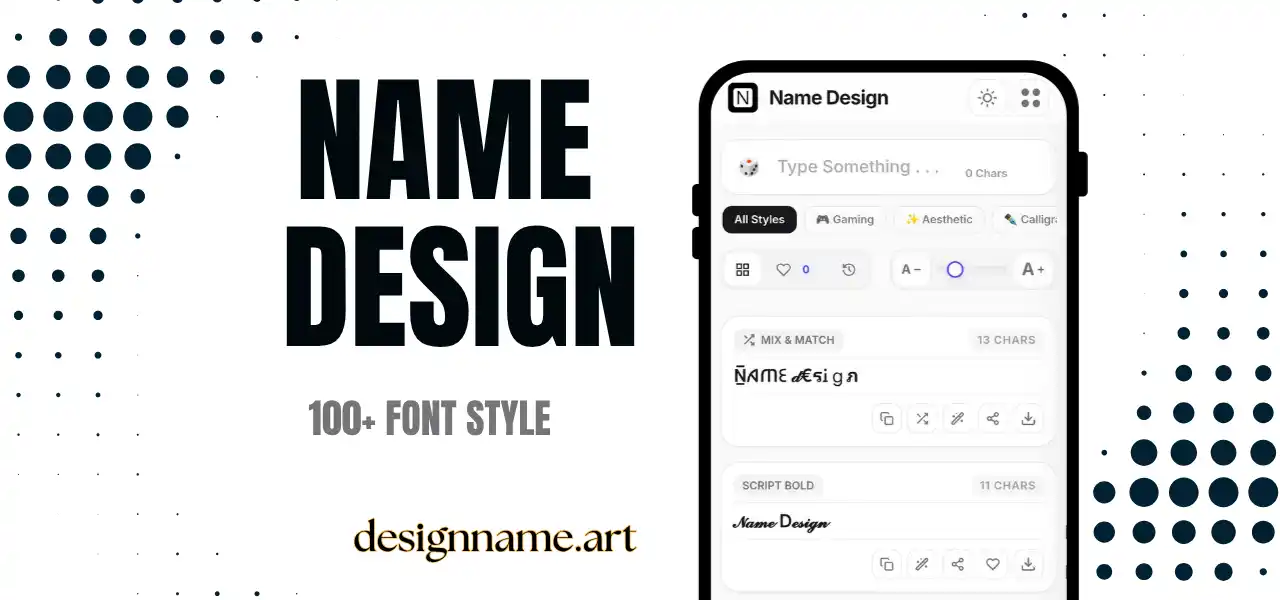
A bold text generator converts normal letters into heavier characters that can be pasted into places where you cannot format text. Many bios, comment fields, usernames and chat boxes accept only plain characters, so the usual bold shortcut does nothing. A generator gives you a workaround.
Bold is the most widely used emphasis style on the internet. It draws attention to headlines, keywords, prices, warnings and calls to action, and it remains readable even at small sizes. That is why it is the first style many people try.
This page is part of our name design collection, so each bold style updates live with your own text.
These styles use Unicode, the global standard that gives every character a code that devices understand. Unicode includes complete bold alphabets in sans-serif, serif, script, fraktur and monospace designs, along with bold numbers.
The generator replaces every letter and number you type with its bold counterpart. Since the result is plain text, you can paste it into profiles, captions and chats, and it will appear bold for most readers.
A bold first line tells visitors what you do, offer or care about. Keep the rest of the bio plain, so that the bold line works as a headline.
Prices, dates, deadlines and calls to action are ideal for bold text. On networks without formatting tools, pasted bold characters are an easy way to get people to notice the important part.
Many people use a bold line to separate sections in a long profile summary. Use it sparingly, and keep the tone consistent with the rest of your profile.
Some apps have their own formatting: WhatsApp wraps bold words in asterisks, and Discord wraps them in double asterisks. If you are not sure that an app supports formatting, pasted bold characters will look the same everywhere.
Decide what you need the bold to do. If you want clarity and speed, choose bold sans. If you want a formal or editorial tone, choose bold serif. If you want personality, choose bold script or gothic.
Check readability next. Bold sans and bold serif remain easy to read at small sizes. Decorative bold styles, such as script and fraktur, look beautiful in short names but become tiring in a full sentence.
Finally, match the platform. A casual social bio can handle a playful bold script. A professional profile usually looks best with a quiet bold sans or serif.
Bold text is loud and clear, while italic text is soft and subtle. Cool text adds shapes and symbols to create personality, but it can be harder to read. For important information, bold is the safer choice, and for personality, a cool or script style adds more flavor.
Many strong profiles use bold for the headline and italic for a short supporting line. The contrast between the two creates a clear hierarchy without any additional design tools.
Most modern devices show bold Unicode characters correctly. A few older systems may display empty boxes, which can usually be fixed by switching to a different bold style or updating the device.
Accessibility is an important caution. Screen readers can read pasted bold letters one by one, often with long descriptions such as "mathematical bold small a". That makes a bold sentence very difficult to follow. Use pasted bold for short phrases, and keep critical information, such as prices, instructions and contact details, in plain text.
Search engines and platform search tools usually match plain text. A word typed only in bold Unicode characters may not appear in results for the ordinary word. If a keyword matters, such as your profession, your brand or your location, make sure that it appears at least once in standard letters.
Type your text at the top, browse the bold cards and tap copy on the one you like. Paste it into your bio, post or message. Save favorites with the heart, and use the download button to export a style as an image for banners and quote cards.
Quick answers about the bold text generator.
It is a tool that converts typed text into bold Unicode characters, so you can paste bold text into places that do not offer formatting.
Yes. Every bold style is free to preview, copy and share with no account.
Yes. Pasted bold characters usually work in bios, posts and chats. WhatsApp and Discord also have their own bold formatting.
Your device may lack a font for those characters. Try a different bold style or update your system.
Not fully. Screen readers may read each character with a long description, so use it for short phrases and keep important text plain.
Not directly. Search usually matches plain text, so keep important keywords in standard letters at least once.