0 Chars
 Name Design
Name Design
Name Design
Square letters give your name a clean, geometric look, like tiles on a keyboard or blocks in a puzzle. Type your name above to see it rebuilt in squared and block-shaped Unicode characters.
The tool is free, instant and works on any device, with results that you can paste straight into a bio, chat or game.
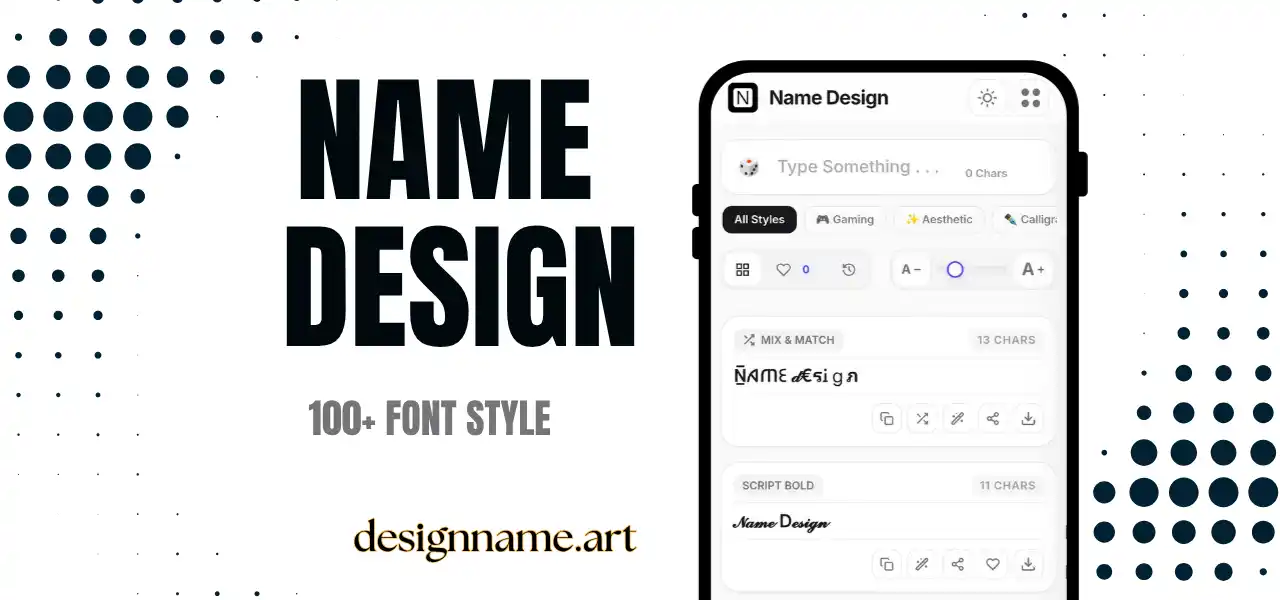
A square letters generator turns ordinary text into characters drawn inside or around square shapes. The letters look sturdy, evenly spaced and easy to spot, much like the keys on a retro computer or the tiles in a word game.
People like square lettering because it feels organized. Round and cursive styles imply softness, but squares imply structure, technology and confidence. That makes them ideal for usernames, tech profiles, game tags, short headings and anything that needs a tidy, modern silhouette.
It is one of the many styles in our name design collection, so you can compare it quickly with the other categories.
Each result is plain text built from Unicode, the character standard that all modern devices share. Unicode includes a set of squared Latin capital letters, a second set of negative squared capitals, and several block and bracket symbols.
The generator maps each of your letters to the matching squared character and returns the new line as text. Since there is no image or font file involved, the text can be copied and pasted nearly anywhere.
A short squared tag, for example three or four capital letters, looks like a team badge. Many players use this style for clan prefixes, and the strict shape keeps the tag easy to read in a busy lobby.
Display names in square style look professional enough for tech, design and creative accounts. Short headings in chat apps or notes also benefit, because squares create instant separation from regular text.
Because each letter acts like a small tile, square text can label categories, steps or team names in plain-text tools where formatting is limited.
Word games, quizzes and classroom activities can use square letters as clues or answer tiles, giving plain messages a puzzle-like look.
First, decide how heavy you want the look. Negative squares create strong contrast and attract attention instantly. Outlined squares are lighter and easier on the eyes in long lines.
Second, think about the background. Dark mode can alter the appearance of filled squares, and some devices show them as emoji with their own colors. If your audience uses both modes, test both.
Third, look at your name. Letters with simple shapes, such as E, H, K, T and Z, look sharp. Names with many repeated letters can feel dense, so a short nickname or initials often work best.
The difference between square and boxed text is subtle. Boxed text is a broader family that includes circles, corners and frames, while square text focuses on the plain geometric square. Bold text adds weight to a normal letter but keeps the original shape.
Choose square letters when you want a precise, modern identity. Choose boxed letters when you want more variety, and choose bold text when you simply need emphasis without extra structure.
A few devices render squared letters as colored emoji, so the same name may appear black on one phone and red or blue on another. Check the final look on the device your audience most likely uses.
Assistive software may read every squared character as a long phrase, which slows listening. Keep important details such as contact information in plain text, and use squares only for decoration or short labels.
Type your text at the top, scroll the list for squared styles, then tap copy. Use the heart to save your best options, and use the download button to export a style as an image for banners or avatars.
Quick answers about the square letters generator.
Square letters are Unicode characters that appear inside or are drawn as squares. They are used for bold, geometric-looking names, tags and headings.
Yes. Every style is free to preview, copy and share without an account.
Yes. They work in many bios and display names, though usernames normally require standard characters.
Some devices treat certain squared characters as emoji and add color. Try another style or check the final look on your phone.
Most sets cover capitals only. Characters without a squared version remain plain text.
Square letters focus on pure squares, while boxed letters include circles, corners and frames as well.